Settling a ride
Mark who showed up and take payment — cash, card, BLIK/transfer, pass, voucher, or balance — right from the ride.
ForAdminsInstructors
On this page
Settling a ride means recording who showed up and how they paid. Open any ride from the schedule and switch to the Allocate & Settle tab — every paired rider has a small wallet button next to their name that opens the payment rail. Only admins and instructors can settle; riders see their own paired and paid state but can't open the rail themselves.
Reading the summary line
At the top of the tab, a line tells you at a glance how the ride stands — how many riders, how many are on a horse, and how many are still to settle. Once everyone is covered it reads all settled.
The checkout button
Each paired rider's wallet button changes with the ride:
- Settle — gold, nothing collected yet.
- Overdue — settle — red, the ride's start time has passed and the rider still isn't settled.
- Settled — green, showing the icon of however they paid.
Tap the button to open or close that rider's payment rail.
Taking payment
Tap a rider's wallet button, then pick how they're paying:
- Cash
- Pass/voucher — opens a chooser (see below)
- Card
- BLIK / Transfer and Balance live under More
For Cash, Card, or BLIK / Transfer, type the amount and confirm. You don't have to collect the full price in one go — collect part now and add another payment later; the rail shows Remaining with what's left. If you collect more than the price, the extra goes to the rider's account balance automatically.
Once a rider is fully covered, the rail shows Settled. Each collected payment has its own edit and remove controls, and an applied pass, voucher, or balance draw has a single undo control to reverse it.
Pass or voucher
Pass/voucher opens one chooser with everything this rider can use:
- This rider — their own eligible passes and redeemable vouchers.
- Suggested — vouchers addressed to someone with a matching name but no linked account yet.
- A search box to find any active pass or voucher in the stable by code, name, or person.
Picking a pass or voucher covers the ride price in one tap — no partial pass payments. If the pass or voucher you pick belongs to someone else, or is meant for a different ride type, you'll be asked to confirm you want to use it for this one ride before it's applied.
Balance
Balance draws from the rider's account — their own held credit first, then their debt allowance if the stable permits one. If they hold enough credit to cover the whole price, tapping it settles the seat in one go. If they hold only part of it, tapping it draws what they have and the row tells you how much is still left to collect by another method. With no credit at all, it falls back to the debt allowance, which still needs to cover the whole price. The row only appears when one of the two is enough — held credit, however small, or an allowance large enough for the full price.
Most of the time you won't need to tap it at all. Unless your stable has turned this off, a rider's held credit is applied to a lesson automatically, the moment they owe for it — often before you ever open the rail. A rider who already has money on their account may show a smaller Remaining figure than the ride's regular price the first time you look, or already read Settled.
Changing the price
If you have permission to adjust prices, an Edit price option appears under More. Set a new price the rider owes — including 0, which covers the ride at no charge. The rail shows the regular price struck through next to the new one, and you can revert to the regular price at any time before anything is collected.
Who pays
Each rider on the ride settles their own seat — there's one payment rail per paired rider, and each pays with their own passes, vouchers, and balance.
How this feeds earnings
Settling a ride is what makes it count toward the instructor's pay. A rider's seat only credits the instructor's earnings once it's fully settled — a partial or still-unsettled seat doesn't count yet, and some pay setups need every seat on the ride settled before that ride credits at all. How much an instructor actually earns per ride or per rider is set up separately — see Compensation — and shows up once settled in Earnings.
Good to know
- Once a ride starts, any rider who's still unsettled and has a pass or voucher that would fully cover it gets settled automatically — no need to open the rail yourself. If they have more than one that would work, the one expiring soonest is used.
- A seat with no horse assigned is skipped by this automatic settling — it won't quietly use up a pass or voucher on its own.
- The stable's shared Anonymous seat can't use a pass, voucher, or balance (there's no real owner to draw on) — settle it with cash, card, or BLIK/transfer instead.
- A cancelled ride's Allocate & Settle tab is read-only — allocation and settlement are paused.
Related
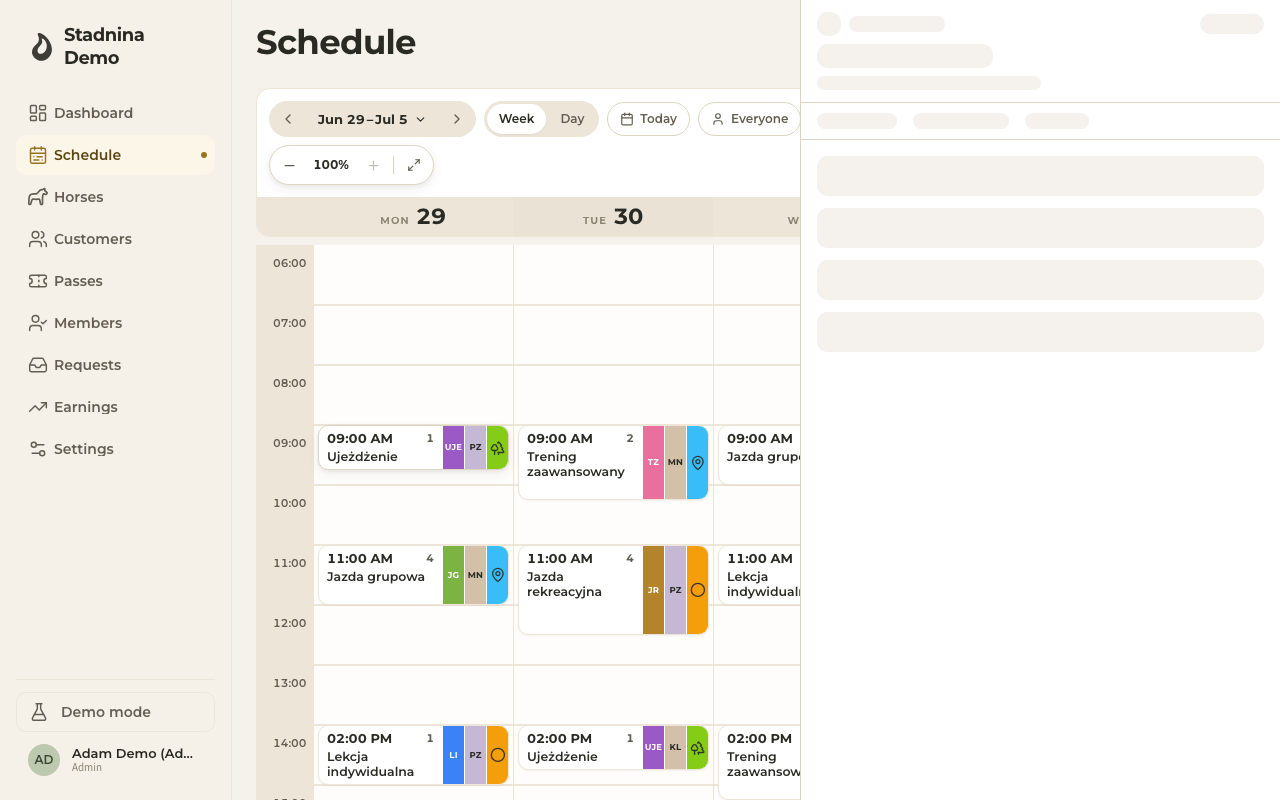
- Week and day views — where you open a ride from.
- Creating rides — set up the ride you're about to settle.
- Earnings — how settled rides turn into instructor pay.
- Passes and Vouchers — the entitlements that can auto-apply here.
- Balance and online payments — where a stable turns automatic wallet-credit settlement on or off.