Instructor compensation
The compensation model and rate for each instructor — per ride, per month, or both.
ForAdmins
The Instructor compensation page is where you decide how each instructor gets paid: a monthly salary, a rate per ride, a guaranteed minimum per ride, or any combination. Only admins can open it.
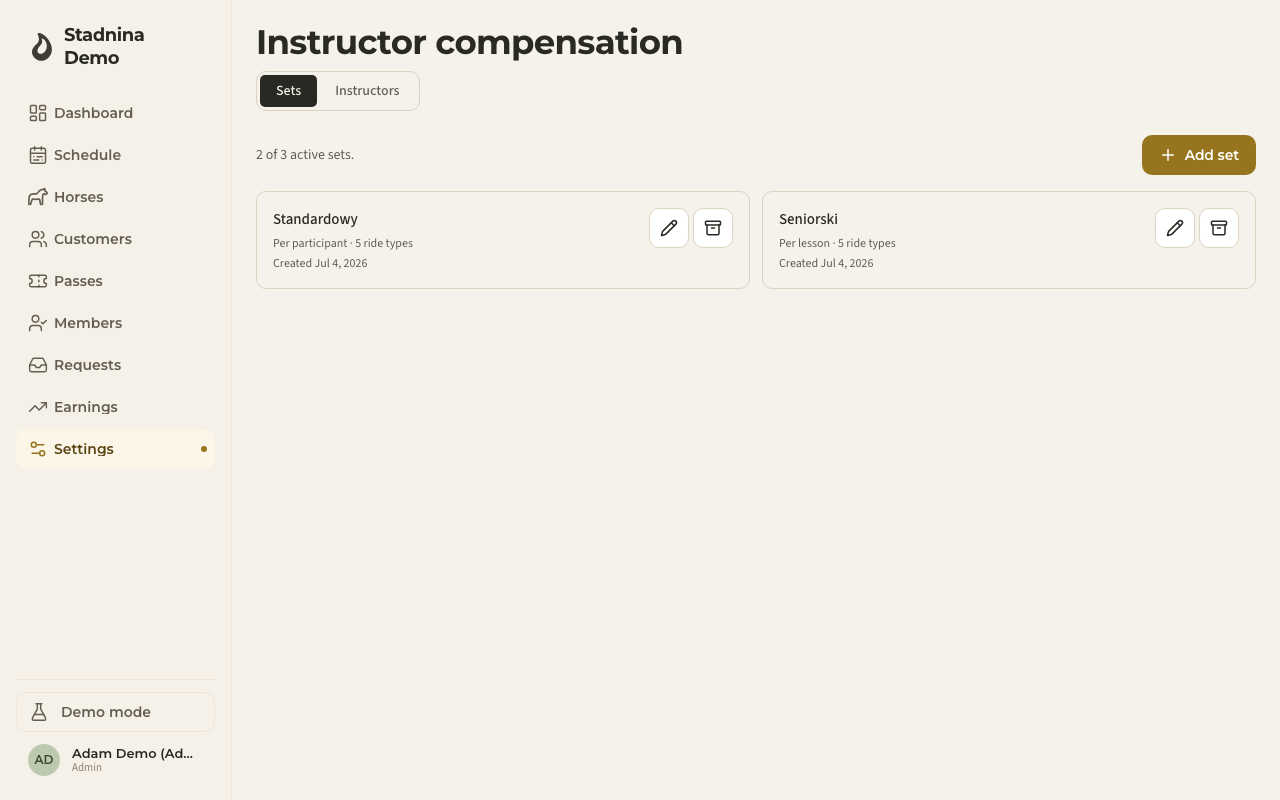
There are two tabs: Sets, where you build reusable rate templates, and Instructors, where you assign a template (or a salary) to each person.
Building a compensation set
A compensation set is a rate template you can reuse across instructors. To create one:
- Go to Settings → Instructor compensation → Sets.
- Click Add set (you can have up to 3 active sets at a time).
- Name it, and choose how it calculates pay:
- Per participant — adds up a rate for every rider who attends a ride.
- Per lesson — one flat fee per ride, however many riders are on it.
- Floor (max of lesson + participants) — pays whichever is higher: the flat lesson fee, or the sum of per-participant rates.
- Set a rate for each of your ride types.
- Optionally turn on Pay differently for passes, Pay differently for vouchers, or Pay differently for own-horse riders to set separate rates for those cases — leave them off and those riders count at the regular rate.
- Click Save set.
Archiving a set keeps it visible in history but stops it being assignable to anyone new — you can't archive a set that's still assigned to an active instructor.
Assigning an instructor
Switch to the Instructors tab to see every instructor and admin, their current pay, and when it took effect.
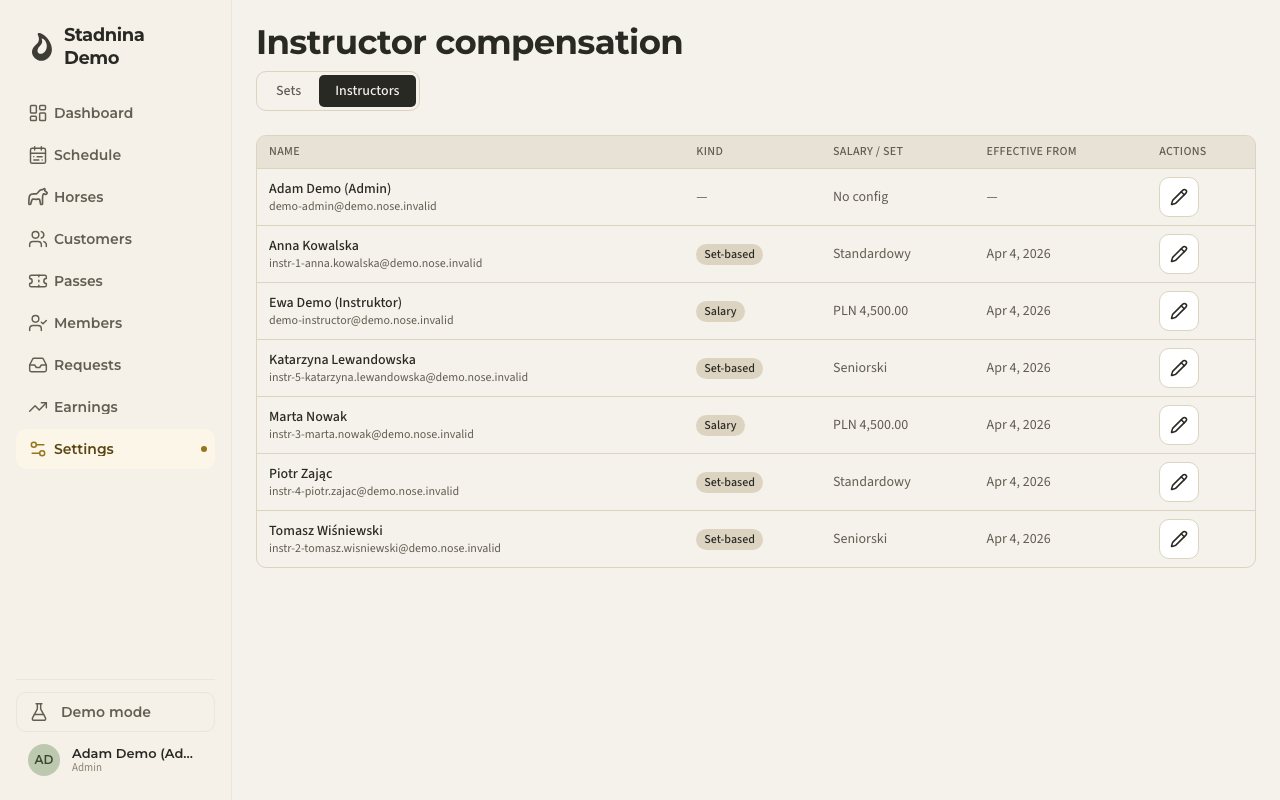
- Click the edit icon next to an instructor.
- Set any combination of:
- Monthly salary — a flat amount that stacks on top of anything else.
- Per ride (earning set) — one of your compensation sets, for what they earn ride by ride.
- Floor (per-ride minimum) — a guaranteed minimum per ride: they're paid the higher of their earning-set rate or the floor.
- Set the date the change takes effect from — today, or a future date to schedule it. You can also backdate it, for example when setting up an instructor whose rides predate this configuration.
- Add an optional note, then save.
You need at least one of salary, earning set, or floor — you can't save an empty assignment.
Each instructor has a History panel showing every past, current, and future assignment. Only a future-dated assignment can be deleted; deleting it brings the previous one back into effect.
Good to know
- Salary and a per-ride set are not either/or — they stack. The floor, if set, guarantees a per-ride minimum on top of whichever earning rate applies.
- A change you schedule for a future date doesn't affect rides before that date; the previous assignment stays in effect until then.
- You can't delete a change that's already active or in the past — only one that hasn't started yet.