General
Your stable's name, shown across the app.
ForAdmins
On this page
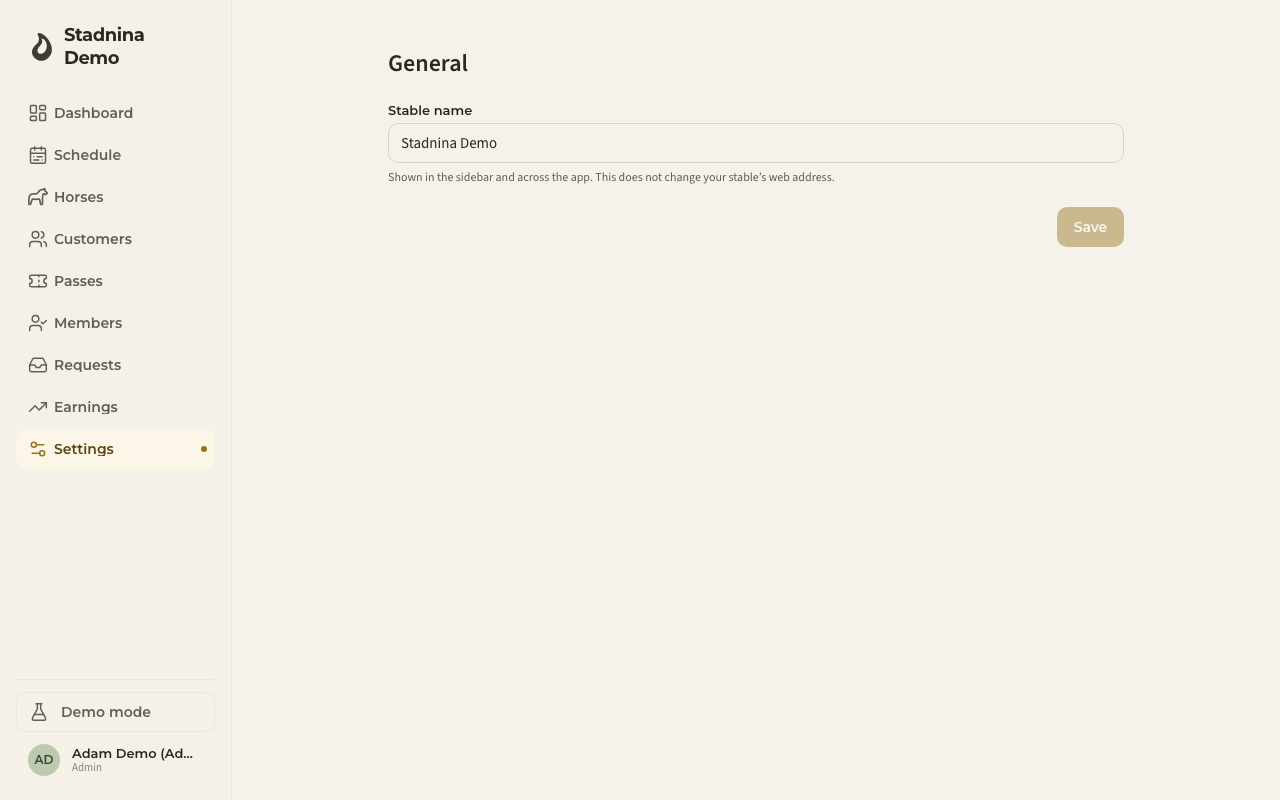
The General page holds one thing: your stable's name. It's the name shown in the sidebar and everywhere else in the app. Only admins can open it.
Renaming your stable
- Go to Settings → General.
- Edit the Stable name field.
- Click Save.
The new name appears in the sidebar and across the app right away.
Good to know
- The name must be between 2 and 100 characters.
- Renaming your stable does not change its web address — the link you share with riders stays the same.
Related
- Hours & calendar — currency, opening hours, and calendar grid step.