Locations
Where rides happen, including optional color tags.
ForAdmins
Locations are the places rides happen — arenas, paddocks, trails, anywhere you run a ride. Set them up once and pick them when you create a ride. Only admins can manage this list.
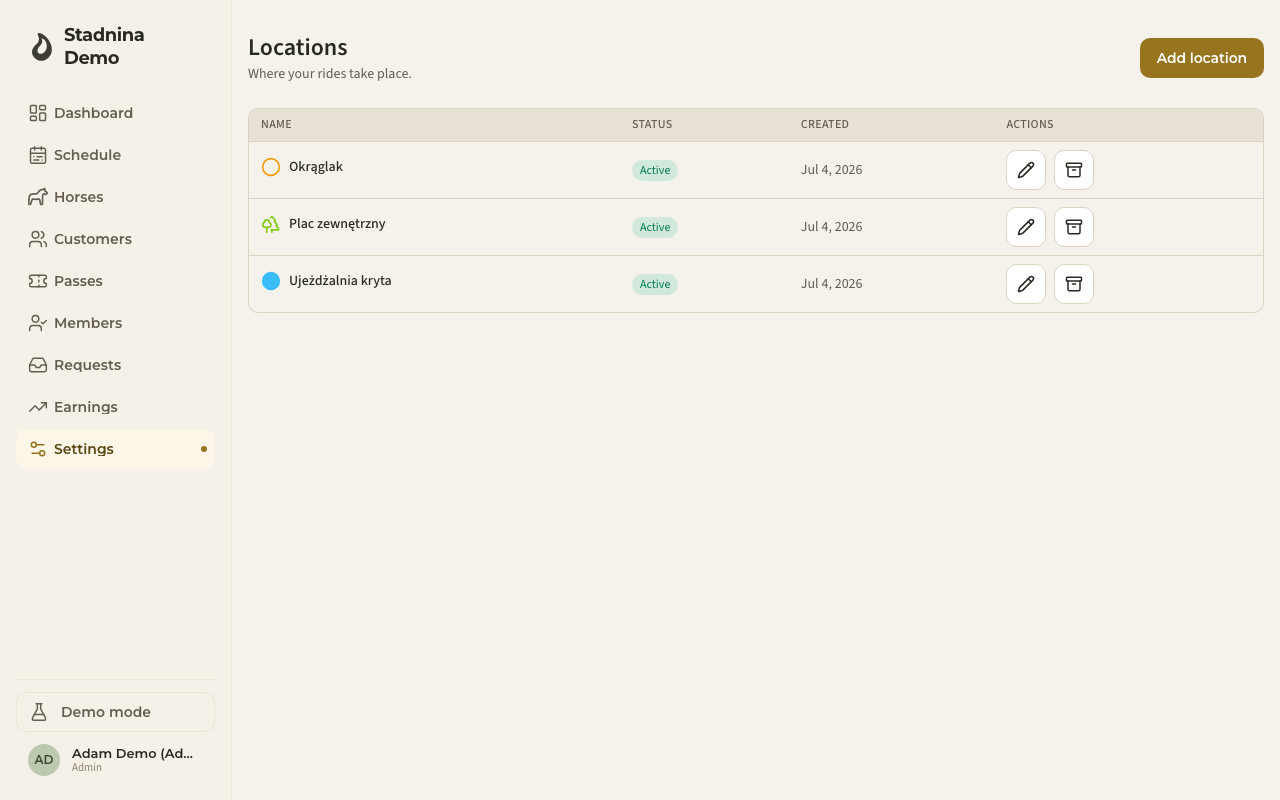
Adding a location
- Go to Settings → Locations.
- Click Add location.
- Enter a Name (for example "Arena A").
- Optionally set a Location color and an Icon to make it easier to spot on the schedule.
- Click Save.
Editing or archiving a location
- Click the pencil icon next to a location to change its name, color, or icon.
- Click the archive icon to archive a location you no longer use.
Good to know
- Archived locations stay visible on past rides, but they no longer appear when creating a new ride.
- Each location's Status column shows whether it's Active or Archived.
Related
- Creating rides — where you pick a location for a ride.