Export my data
Request a copy of everything Nose holds about you as a downloadable file.
The Export my data page lets you request a copy of everything Nose holds about you — your own personal download, separate from what any stable keeps in its own records.
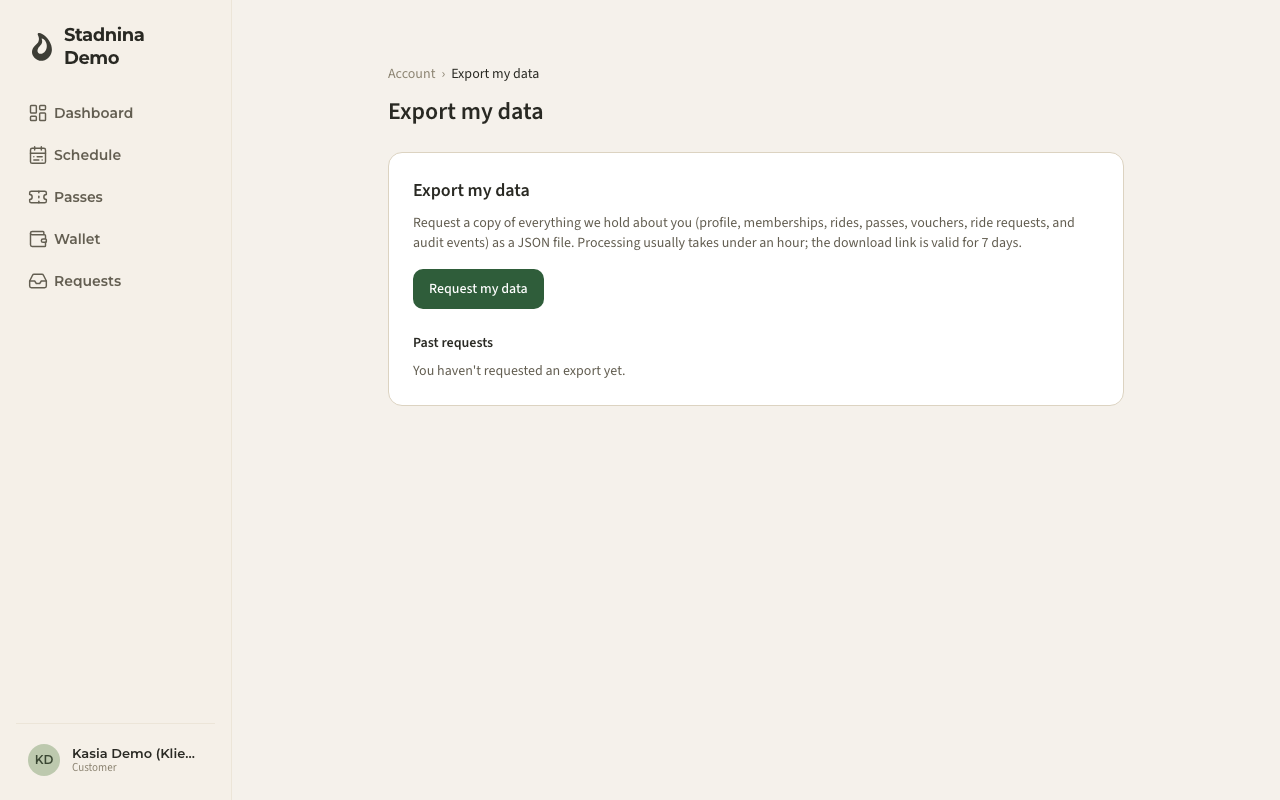
Requesting an export
- Open Export my data.
- Press Request my data.
- Your request is queued. Processing usually takes under an hour.
- When it's ready, you'll get an email with a download link. The link stays valid for 7 days.
While a request is in progress, the button is disabled and a note tells you an export is already being prepared — you can't queue a second one until the first finishes.
What's included
Your export is a single file containing:
- Your profile
- Your stable memberships
- The rides you've taken part in
- Your passes and vouchers
- Your ride requests
- A record of account actions tied to you
Past requests
Below the request button, Past requests lists every export you've asked for, with its date and status: Pending, Processing, Ready, Sent by email, Failed, or Expired. If you haven't requested one yet, this list is empty.
Good to know
- Each download link expires 7 days after the export is ready — after that, its status becomes Expired and you'll need to request a new one.
- If a request fails, you can simply request again.
- This is your personal data. It doesn't include other people's private information.
Related
- Your account — where this page is linked from.
- Delete my account — closing your account for good.