Family accounts
Link a parent to a child rider so they can see and manage rides, passes, and balances on the child's behalf.
ForAdminsInstructorsRiders
On this page
A guardian link connects a parent's account to their child's — so the parent can see the child's upcoming rides, passes, and balance, and act on the child's behalf. It's how families with a young rider use Nose without the child needing their own login.
What a guardian link means
- A child is an ordinary rider account at your stable — a guardian link doesn't change their account type, it just connects a parent to it.
- A guardian can view and manage a linked child's rides, passes, vouchers, and balance, and edit the child's name, email, and phone.
- A child can have more than one guardian (for example both parents), and a guardian can be linked to more than one child. A person can't be a guardian and a child at the same time in the same stable.
Linking a guardian to a child (staff)
- Open Customers and click the child's row to open their panel.
- Go to the Guardians tab.
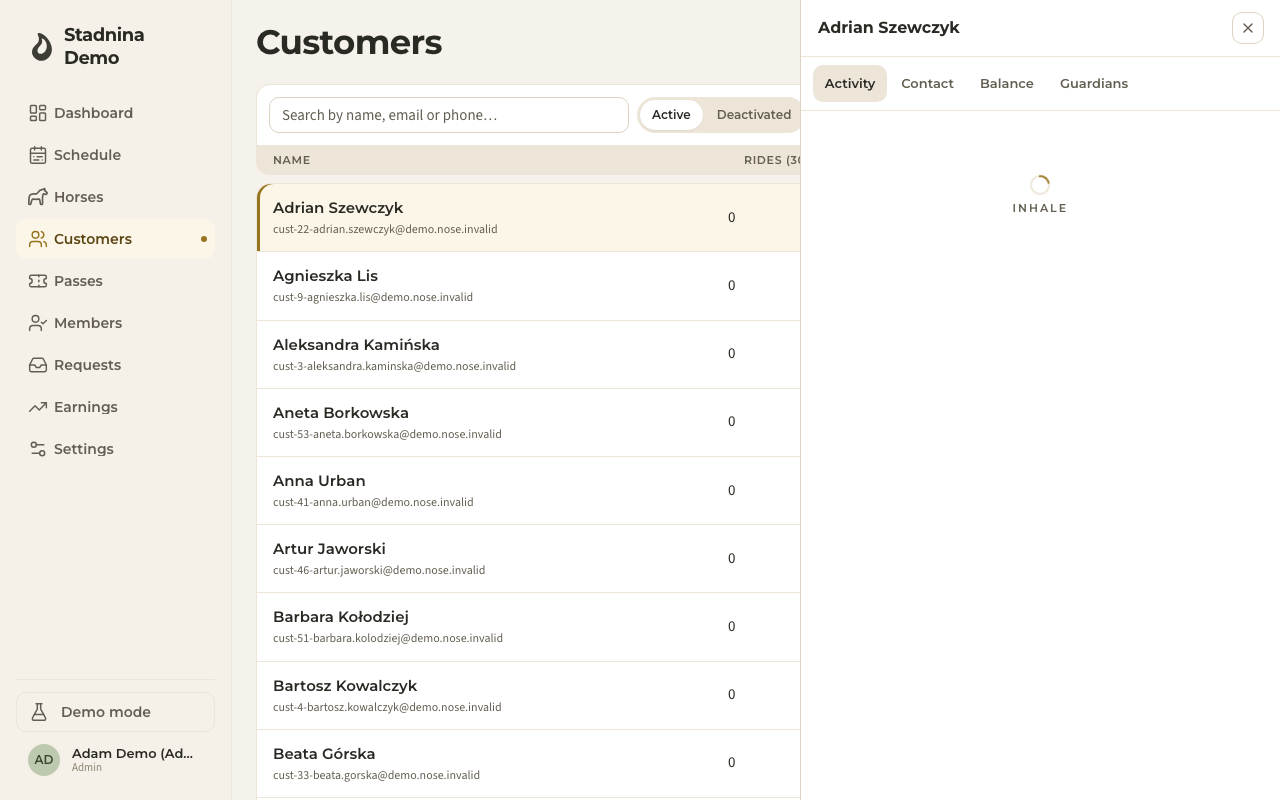
- Click Link a guardian, search for the parent by name or email, and select them.
- To remove a link later, click the unlink icon next to that person's name.
The same tab also lets you go the other way — open a parent's own customer panel and use Link a child to connect one of their children.
The rider-facing Family page
A parent with at least one linked child sees a Family page in their own account. It shows one card per child with:
- The child's upcoming rides — tap one to open it, add it to a calendar, or cancel it, the same as the parent could for their own rides.
- Their active passes and vouchers, counted together.
- Their balance — what's owed or in credit.
- A See link that opens the child's own dashboard, so the parent can act fully on their behalf.
A parent can also add a child directly from this page, and edit or remove a child's account from the same card.
Good to know
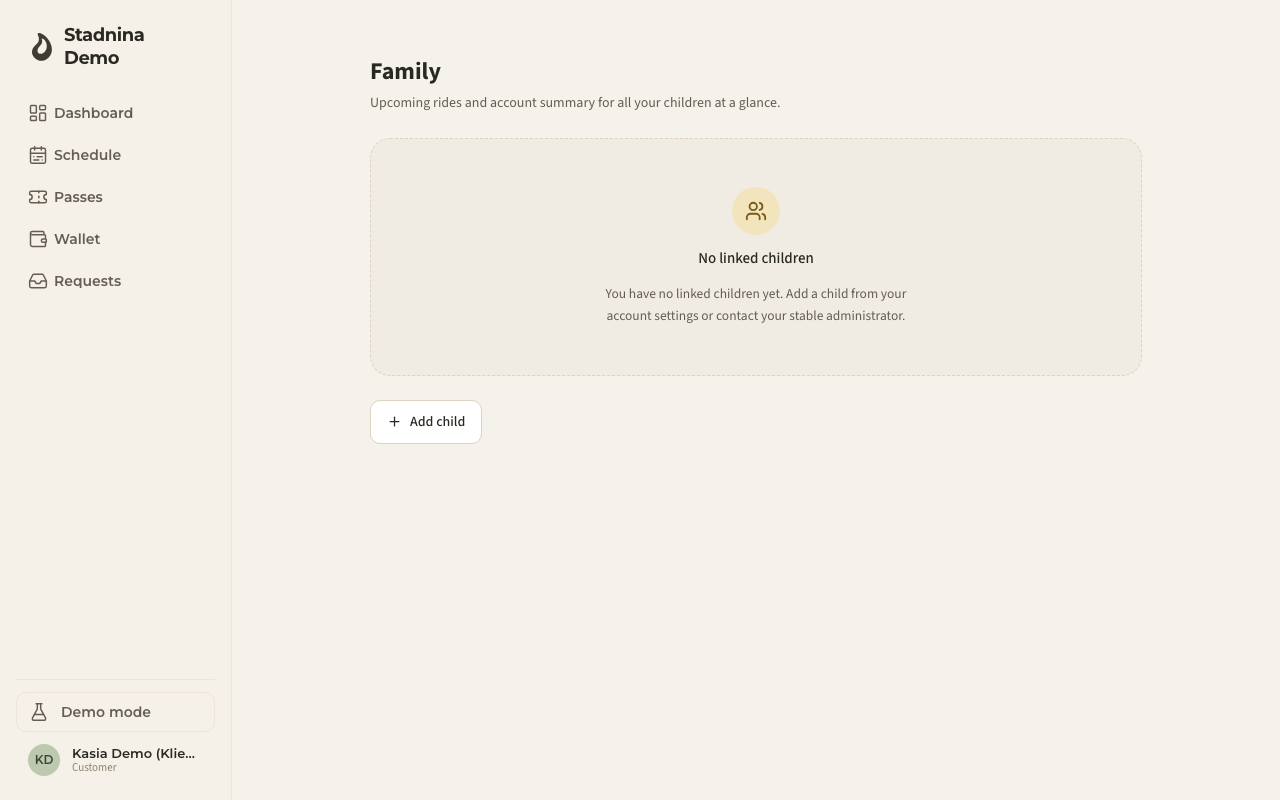
- A customer with no linked children sees a friendly empty state on the Family page instead — nothing changes for riders without a family link.
- Removing a child's account starts a 30-day grace period before it's permanently deleted; the stable admin can cancel that deletion if it was a mistake.
- The Family page is only for customers (or staff members who also hold the customer role) — it's not part of the staff-facing screens.
Related
- Customers — where staff manage every rider's record, including their guardian links.
- Your account — a rider's own profile and account settings.